





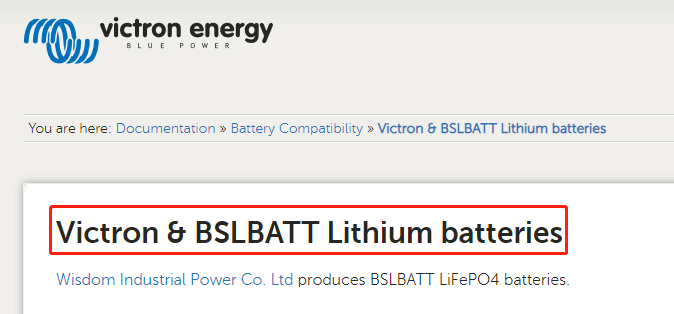
BSLBATT 48V LiFePO4 batteries are Victron compatible: Victron's own battery compatibility page states that all BSL batteries are supported. They connect to a Victron GX device through a Type B CAN-bus BMS cable, so the battery's BMS controls charging through DVCC. The B-LFP48 rack series ships with its CAN protocol already set to Victron.
Is BSLBATT on Victron's Battery Compatibility List?
Yes. Victron keeps a dedicated BSL page in its battery compatibility documentation, and it opens with a clear statement: all BSL batteries are supported by Victron.
Victron's battery compatibility page for BSLBATT ➡
"Supported" here means a closed-loop setup. The battery's BMS talks to the Victron GX device over CAN-bus and sends its charge voltage and current limits. The GX device then passes those limits to the inverter/charger and MPPT solar chargers through DVCC, so the battery, not a fixed charger setting, decides how it is charged.
The Victron page also lists BSLBATT setup guides for 5.1kWh, 6.4kWh, 7kWh, 8.2/8.8kWh, 10.2kWh Power Wall, 15kWh Slimline and PowerLine-5 batteries, plus minimum system sizes for each inverter/charger model.
Scope note: Victron's MultiPlus, Quattro and EasySolar inverter/chargers in these setups run on 48V DC, so the matching BSLBATT range is its 48V (51.2V nominal) low-voltage batteries listed below.
Victron Compatible BSLBATT Battery Models
Every model in the table is a 51.2V LiFePO4 battery for 48V systems. Rack and wall models scale by connecting packs in parallel, with one pack acting as the host that reports to the Victron GX device.
| Model | Form Factor | Energy per Unit | Best Fit |
| B-LFP48-100E 3U | 3U server rack | 5.12kWh | Modular systems, up to 63 in parallel |
| B-LFP48-200E | Rack | 10.24kWh | Larger homes and small businesses |
| B-LFP48-300E | 5U rack or cabinet | 15.36kWh | High-capacity banks with fewer units |
| B-LFP48-120E | Rack | 6kWh | Higher charge and discharge rates |
| B-LFP48-170E | Rack or wall | 8.8kWh | Mid-size homes |
| B-LFP48-100E PRO | Modular wall or rack | 5.12kWh | Flexible indoor installs |
| PowerLine-5 | Ultra-thin wall (90mm) | 5.12kWh | Tight indoor spaces |
| Li-PRO 5120 | Wall, IP65 | 5.12kWh | Outdoor installs |
| B-LFP48-130PW | Wall | 6.5kWh | Compact home systems |
| B-LFP48-200PW | Wall | 10.24kWh | Whole-home backup, UL1973 listed |
| Li-PRO 10240 | Wall, IP65 | 10.24kWh | Outdoor whole-home storage |
| B-LFP48-300PW | Wall or floor, with wheels | 15.36kWh | Large homes, off-grid |
| Li-Pro StyX | Wall or floor, IP65 | 16kWh | Large outdoor installs |
The exact communication steps can differ by model, so each model's user manual is the reference for its own ports and protocol selection. The example below uses the B-LFP48 rack series.
What You Need for a Victron System with BSLBATT Batteries
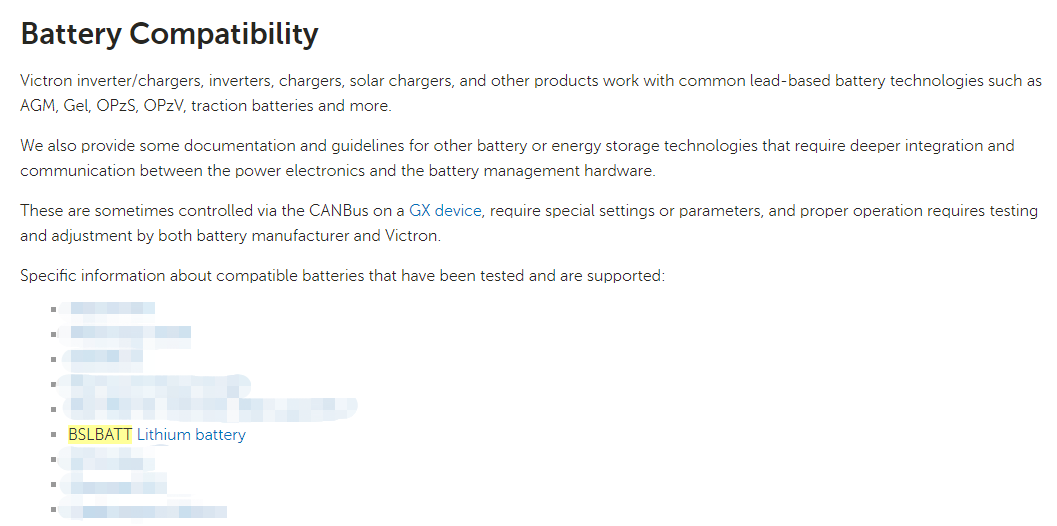
A complete closed-loop system has four parts. Victron's BSL page sets the minimum firmware for each.
- Victron GX device (Cerbo GX, Venus GX or Ekrano GX), firmware v2.52 or later
- Victron 48V inverter/charger (MultiPlus, MultiPlus-II, Quattro or EasySolar), firmware 469 or later, linked to the GX device through its VE.Bus port
- Victron Type B CAN-bus BMS cable between the host battery and the GX device
- One or more BSLBATT 48V batteries, with one pack set as the host
Choose a GX device with two CAN ports if you use VE.Can solar chargers. Victron notes that the Color Control GX and Cerbo-S GX have only one CAN port, so they are not suitable when a VE.Can MPPT also needs a CAN connection.
For off-grid systems, Victron strongly recommends at least one DC-coupled MPPT solar charger rather than AC-coupled PV only.
How to Connect a BSLBATT Battery to a Victron Inverter (B-LFP48-100E 3U Example)
The steps below follow the B-LFP48 Rack Series User Manual V1.8, which covers the 100E 3U, 200E and 300E. All three use the same Victron settings.
Step-by-Step Connection
- Set the DIP switch address on each pack. A single pack runs at address 0. In a parallel bank, the host pack is set to address 1 and each additional pack gets its own address (2, 3, 4 and so on). Two packs must never share an address.
- Link the packs to each other through their RS485-1/RS485-2 parallel ports, so the host pack can collect data from every pack.
- Connect the battery DC cables to the inverter/charger through a double-pole circuit breaker on each battery, with the host pack connected to the inverter's positive and negative terminals.
- Plug the Type B cable into the host pack's CAN port on the battery side and into the GX device's VE.Can or BMS-Can port on the Victron side.
- Terminate the CAN port on the GX device. Victron says this should always be done when installing BSL batteries.
- Check that the battery's CAN protocol is set to Victron. On the B-LFP48 rack series this is the factory default, so no change is needed out of the box.
- Power on in order: close the breaker between inverter and battery, close the battery breakers from the host pack outward, then press SWITCH on each pack. In a parallel bank, confirm that pack voltages differ by no more than 5V before the first connection, and allow 5 minutes between packs.
- Connect the battery before the PV input to any MPPT, as Victron advises, then start the inverter/charger following its own manual.
CAN Cable Pinout
The B-LFP48 battery's CAN port and Victron's Type B cable use the same pin assignment on the battery side.
| Signal | BSLBATT Battery CAN Port | Victron VE.Can Side |
| GND | Pin 2 | Pin 3 |
| CAN-H | Pin 4 | Pin 7 |
| CAN-L | Pin 5 | Pin 8 |
Victron Settings for BSLBATT 48V Batteries
With the CAN-bus link in place, the battery's BMS sends live limits to the GX device. The values below are the fixed fallback settings for the inverter/charger and MPPT, which Victron lists for BSL batteries. Where BSLBATT's manual gives the same parameter, the two match.
| Setting | Value | Where to Set It |
| CAN-bus speed | 500 kbit/s | GX device CAN port |
| Battery type / charge curve | Lithium / Fixed | VEConfigure, Charger tab |
| Absorption voltage | 55V (BSLBATT charging voltage: 55V) | VEConfigure, Charger tab; MPPT |
| Float voltage | 54.8V | VEConfigure, Charger tab; MPPT |
| Absorption time | 1 hour | VEConfigure, Charger tab |
| DC input low shut-down / pre-alarm / restart | 48V / 51V / 52.5V | VEConfigure, Inverter tab |
| ESS sustain voltage | 50V | ESS assistant |
| ESS dynamic cut-off | 47V for all values (BSLBATT discharge cut-off: 47V) | ESS assistant |
| ESS restart offset / PV restart voltage | 1.2V (default) / 53.5V | ESS assistant |
Victron recommends running the latest firmware on new installations and before troubleshooting, since BMS control functions are built into current GX firmware through DVCC.
Minimum Battery Size for Each Victron Inverter/Charger
Victron sets a minimum number of BSL battery modules for each inverter/charger. Systems below these minimums may get limited support from BSL or Victron. Victron gives the same counts for 5.1kWh, 6.4kWh and 10.2kWh modules, which covers the B-LFP48-100E 3U and 200E.
| Victron Inverter/Charger | Single-Phase (min. modules) | Three-Phase (min. modules) |
| MultiPlus / MultiPlus-II / MP-II GX 48/3000/35 | 1 | 3 |
| MultiPlus / MultiPlus-II / MP-II GX 48/5000/70 | 1 | 3 |
| Inverter RS / Multi RS 48/6000 | 2 | Not listed |
| Quattro 48/5000/70-100/100 | 1 | 3 |
| Quattro 48/8000/110-100/100 | 2 | 5 |
| Quattro 48/10000/140-100/100 | 2 | 6 |
| Quattro 48/15000/200-100/100 | 3 | 9 |
| EasySolar / EasySolar-II 48/3000/35-50 MPPT | 1 | 3 |
| EasySolar 48/5000/70-100 MPPT | 1 | 3 |
These are support minimums, not sizing targets. The right bank size depends on daily load and backup hours; for a worked method, see how to size a battery for a 5kW solar system.
Troubleshooting a BSLBATT and Victron Setup
Battery not visible on the GX device.
Check that the Type B cable goes into the host pack's CAN port, that the GX CAN port is terminated, and that the port is set to 500 kbit/s. On models without Victron as the default protocol, confirm the CAN protocol is set to Victron.
Only one pack reports, or parallel packs show communication errors.
BSLBATT's manual lists three causes: RS485 parallel cables not fully connected, duplicate or wrong DIP switch addresses, and the RS485 terminal plug in the wrong position.
Battery does not turn on, flashes red or shows no voltage.
Victron's guidance is to contact the installer so the battery can be removed and inspected. BSLBATT's host software also reads alarms and fault codes, which speeds up diagnosis.
Adding batteries to an existing bank.
BSLBATT recommends adding new packs within the first year of use, so the state of charge of new and old packs stays close and the bank stays balanced.
Victron Compatible Battery FAQs
Q: Is BSLBATT compatible with the Victron MultiPlus-II?
Yes. BSLBATT 48V LiFePO4 batteries work with MultiPlus, MultiPlus-II and MP-II GX 48V models through a GX device and a CAN-bus BMS cable. Victron's minimum is one 5.1kWh, 6.4kWh or 10.2kWh BSL module for a single-phase MultiPlus-II 48/3000 or 48/5000, and three for a three-phase system.
Q: Which cable connects a BSLBATT battery to a Victron GX device?
Victron's Type B CAN-bus BMS cable. Its battery end plugs into the host pack's CAN port (pin 4 CAN-H, pin 5 CAN-L, pin 2 GND), and the end labelled VE.Can goes into the GX device's VE.Can or BMS-Can port. Terminate the GX CAN port as well.
Q: Do I need DVCC with BSLBATT batteries?
Yes. DVCC lets the battery's BMS set charge voltage and current limits for the whole system. Victron notes that the BMS control functions for off-grid systems are built into current GX firmware through DVCC, with GX firmware v2.52 as the minimum supported version.
Q: Do I have to change the battery protocol for Victron?
Not on the B-LFP48 rack series. The 100E 3U, 200E and 300E ship with the CAN protocol set to Victron by default, so they communicate with a GX device as soon as the cable is connected. For other models, check the protocol setting in the model's user manual.
Q: How many BSLBATT batteries can be connected in parallel on a Victron system?
The B-LFP48 rack series supports up to 63 units in parallel, with one host pack reporting the whole bank to the GX device over CAN. The practical minimum depends on the Victron inverter/charger model, as listed in the sizing table above.
Q: Are BSLBATT high-voltage batteries compatible with Victron?
The Victron inverter/chargers covered here (MultiPlus, Quattro, EasySolar) are 48V systems, so they pair with BSLBATT's 48V range. BSLBATT's high-voltage batteries, such as MatchBox HVS, are designed for high-voltage hybrid inverters.
Build Your Victron System with BSLBATT
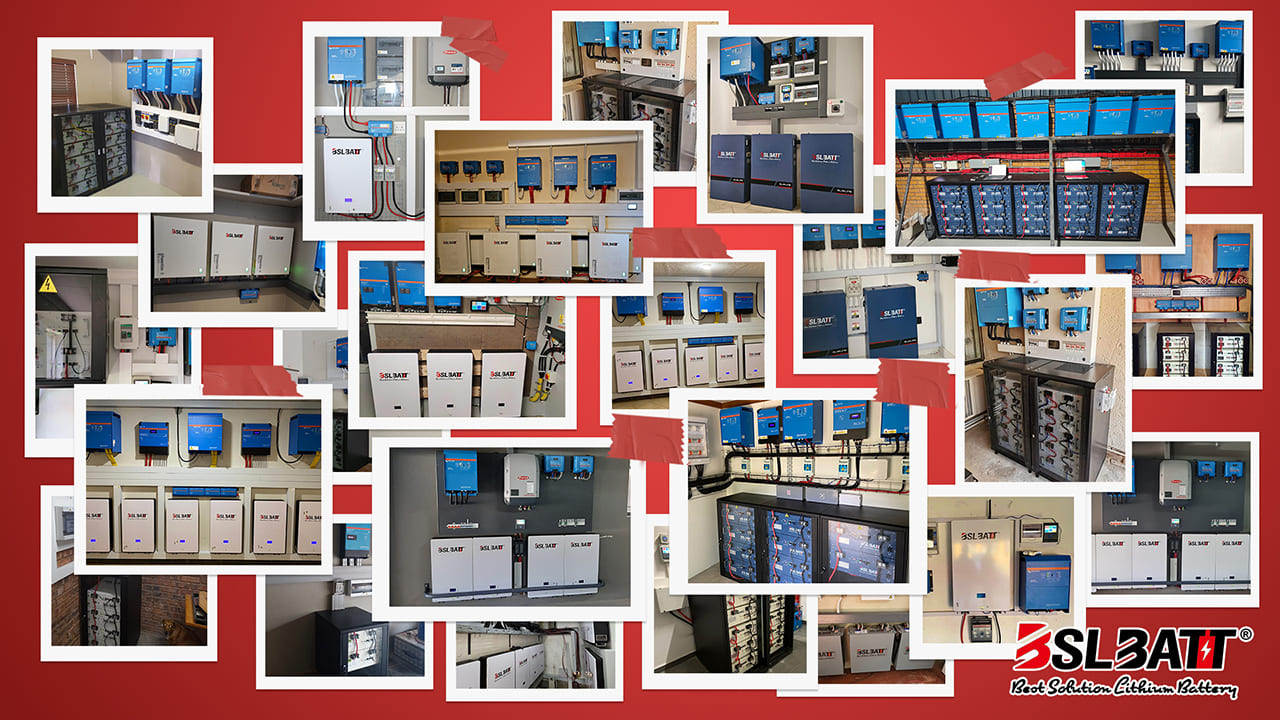
Victron's official listing, matching charge and cut-off values in BSLBATT's own manual, and a CAN protocol set to Victron out of the box make BSLBATT 48V batteries a straightforward choice for Victron installers. Rack, wall and outdoor IP65 models cover everything from a single 5.12kWh module to large parallel banks.
For distributors and installers, BSLBATT offers factory-direct supply with local warehouse and after-sales support. In South Africa, BSLBATT batteries for Victron systems are available through GET OFF GRID, BSLBATT's exclusive distributor in the country.
Contact our team for model selection, Victron system sizing or volume pricing.

Marketing Director| Focused on ESS · BSLBATT
Aydan is a Marketing Director and energy storage specialist at BSLBATT, focusing on residential, commercial, and off-grid battery solutions. He works closely with solar distributors, installers, and EPC companies across global markets, supporting the design and deployment of reliable energy storage systems.
Post time: Oct-21-2026